A taste of Hermes
Due to all the vibe & hype, mixed with peer pressure, tried Hermes just now. It’s actually cool! Run smoothly on my local docker container. Doc down the nooks and crannies for reference.
Since i am just trying out, not wise to spend 12-month subscription on VPS. I chose docker as my deploy medium.
create the yaml docker file:
1services:
2  hermes:
3    image: nousresearch/hermes-agent
4    container_name: hermes
5    restart: unless-stopped
6    command: gateway run
7    ports:
8      - "8642:8642"
9    volumes:
10      - ~/.hermes:/opt/data
11      - /var/run/docker.sock:/var/run/docker.sock
Note: the dock.sock map is needed if you choose to isolate tool calls into sandbox, which means, the agent will create another sandbox container to run tools.
Make the host mapping volume:
1mkdir ~/.hermesRun the docker compose file:
1docker compose up -dViola! You have an Hermes agent! Of course it will do nothing for now. Let’s dive into the container and kick off the setup:
1docker exec -it hermes bashRun the agent setup and follow the instruction. I suggest do the quick setup:
1$ .venv/bin/hermes setupThe setup process will walk through the chat integration too. I chose Telegram as my message channel, so just follow the default @BotFather way to create a new app and add the user ID (whom he can access the bot).
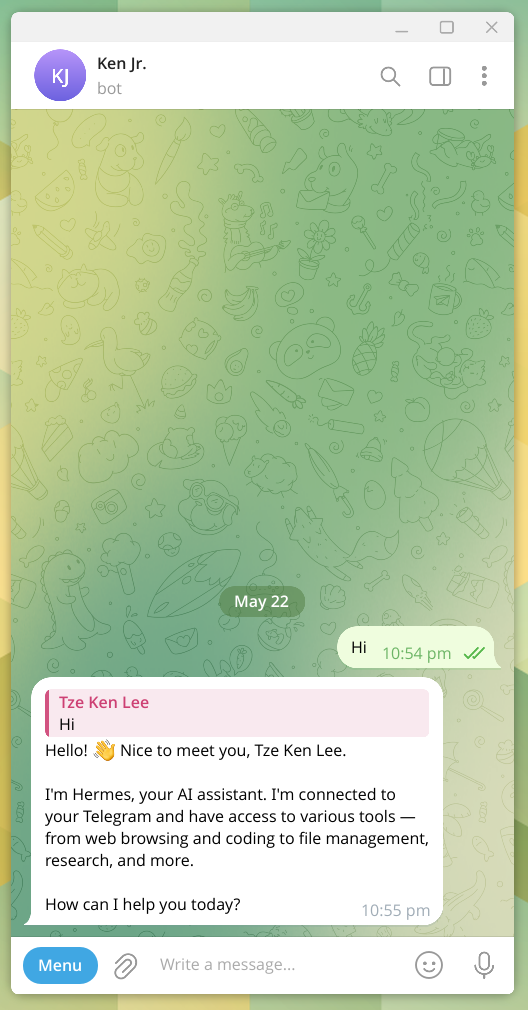
Done. Now we can start chatting with Hermes!